 Quizpep
Everything you need to guide shoppers to the right product
Build the quiz, match answers to products, design the results, and see what sells. Every feature is on every plan, including the free one.
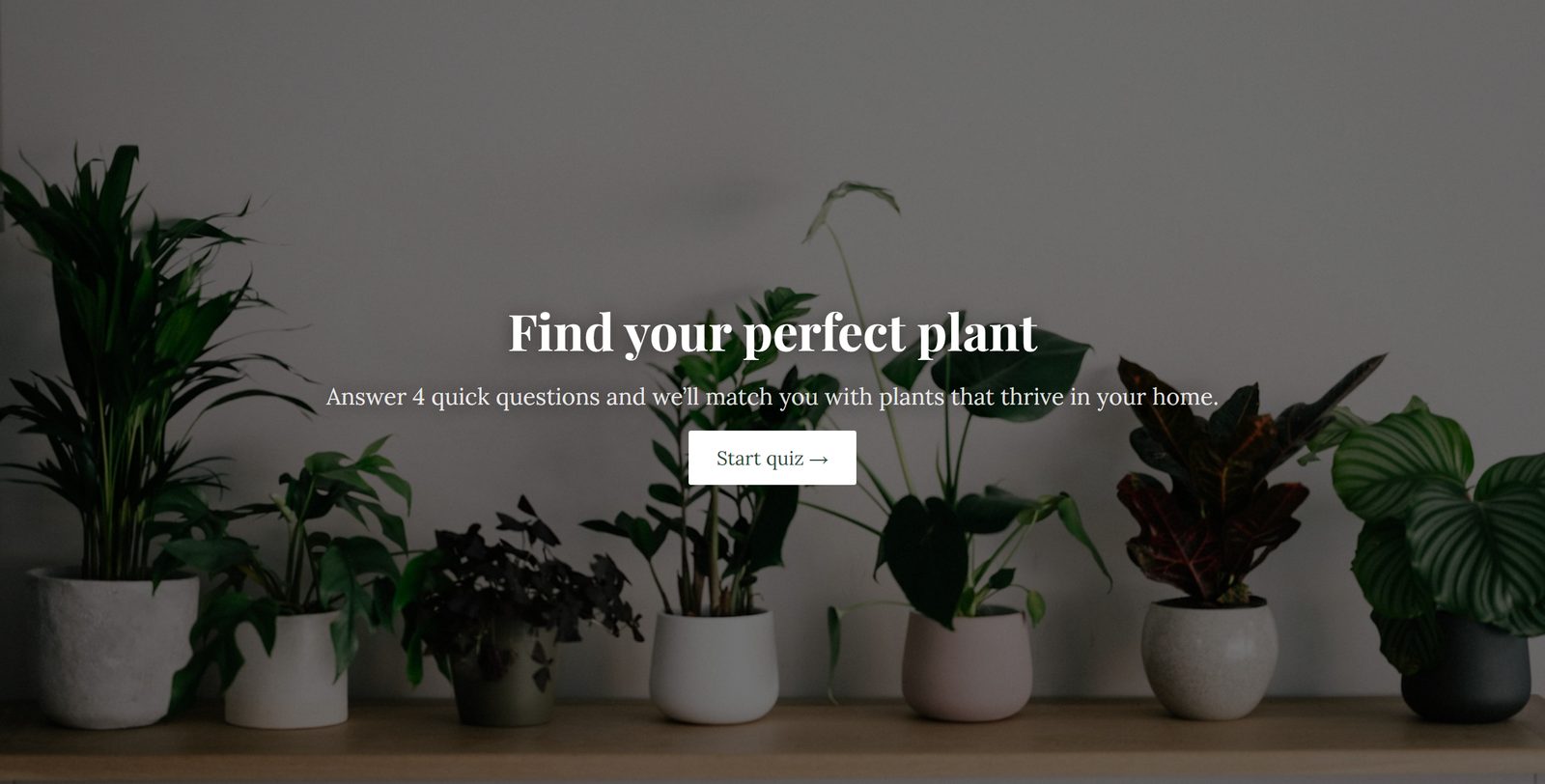
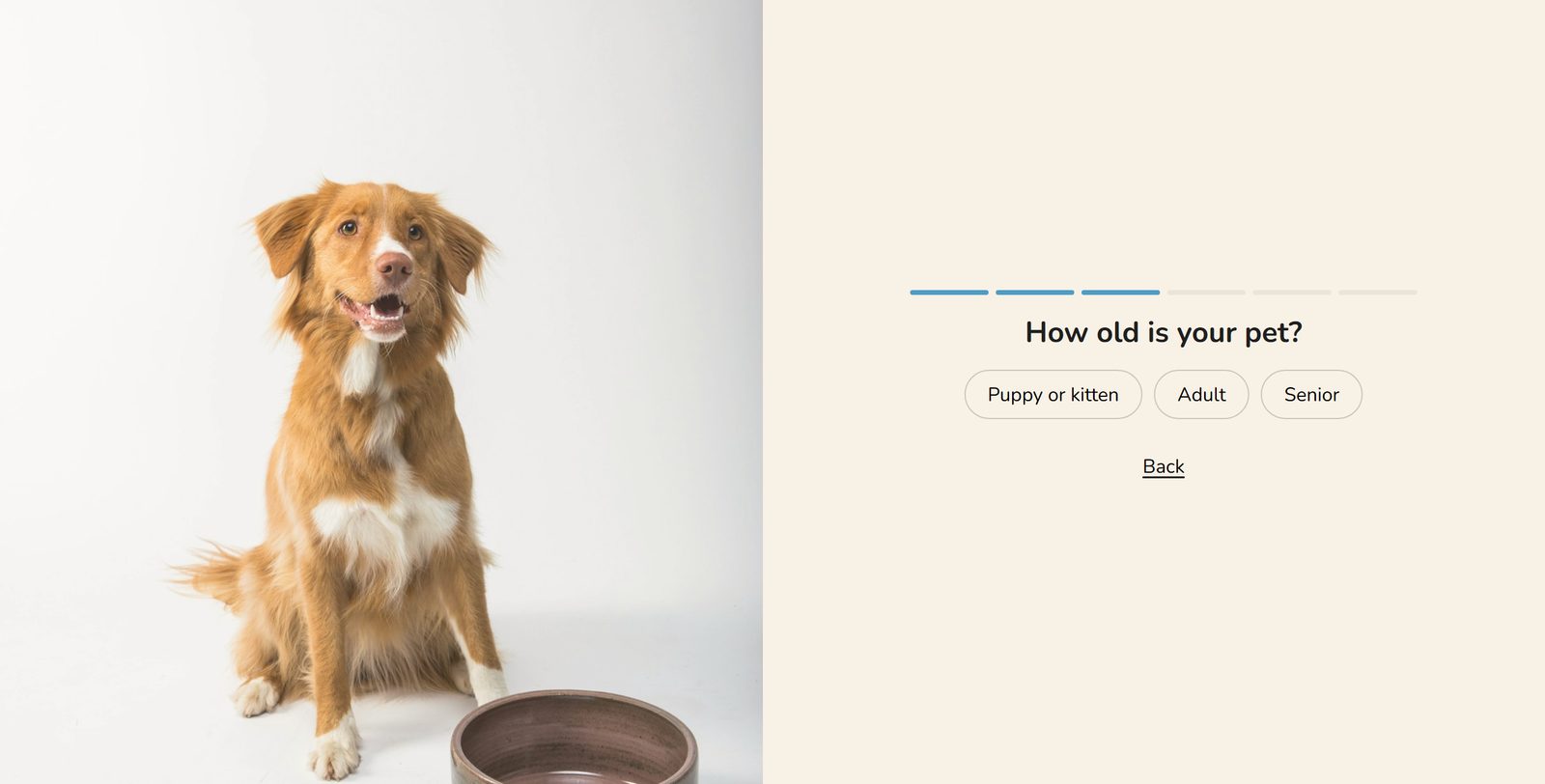
16 quizzes, designed and ready
Each template comes with questions, answers, photos, fonts, colors and a results page, for beauty, food and drink, fashion, home, pets, gifts and more. Change as much or as little as you like, or start from scratch.
- Real start pages and question pages, not blank forms
- Photos you can swap for your own in one click
- Preview every page before you start
Questions shoppers enjoy answering
Mix question types, add pictures, and make it personal.
Choice questions
Single or multiple choice, shown as pills or a list, with limits on how many answers a shopper can pick.
Picture answers
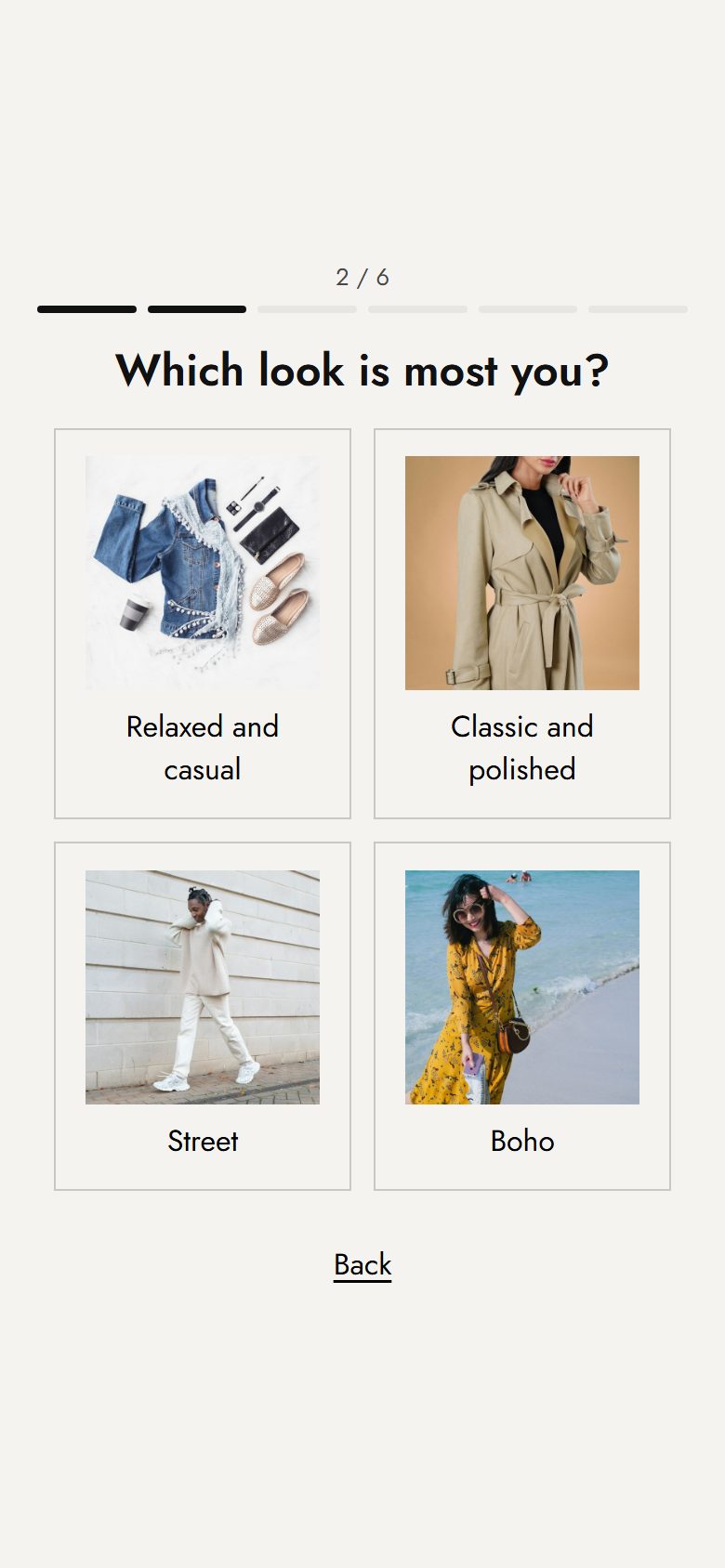
Answers as photos, with or without labels, for styles, shades, scents and more.
Sliders and numbers
Budget sliders with your currency, number fields and short text answers.
Form pages
Ask for first name, email, phone, birthday or a dropdown choice on one page. Each answer is saved on its own.
Answer piping
"Sam, what's your skin type?" Show any earlier answer in later questions and on the results, with a fallback for people who skip.
Info pages
Add a page with text and a picture between questions, to explain or reassure.
A different path for every shopper
Send shoppers to different questions based on their answers, skip what doesn't apply, or send them straight to a page on your store. A flow map shows every path at a glance.
- Logic jumps per question or per answer
- Send an answer to any page instead of the results
- Optional questions shoppers can skip
Recommend products the way you'd pick them
Tell each answer which products it points to. Quizpep scores your catalog on every answer and shows the best matches. Or choose exact products for each combination of answers yourself.
- Recommend, require or rule out by tag, type, vendor or collection
- Budget questions filter by price
- Sold-out products are never shown
- Routines: one product for each step, like cleanse, treat, moisturize
- Test any answers and see the products before you publish
Build the results page like a store page
Show products in a grid or as a routine, then add sections around them. Every result can have its own page, and every section has its own style.
- Hero banner, image with text, image with product
- Featured collection, FAQ, video, newsletter sign-up, custom content
- Product cards with price, reasons, variant picker and add to cart
- "Add all to cart" and a retake button
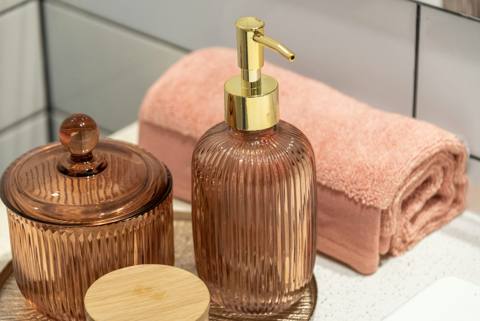 CleanseGentle gel cleanserAdd to cart
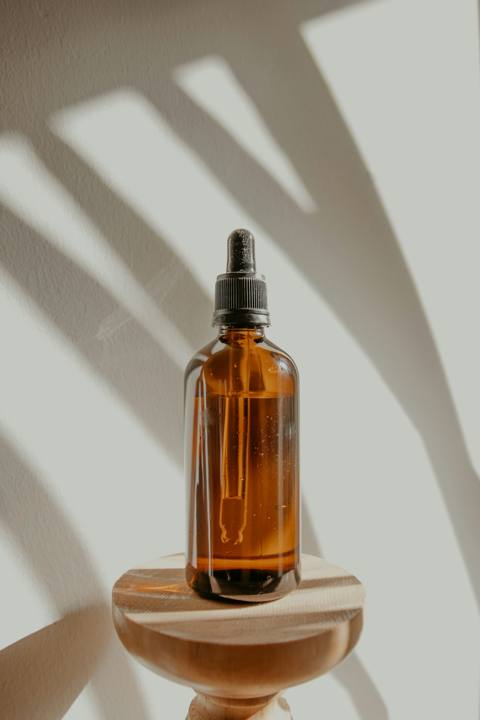 TreatBalancing serumAdd to cart
 MoisturizeLight daily creamAdd to cart
Grow your list with shoppers who asked to hear from you
Email capture
Ask for an email before the results, required or optional, with a marketing consent checkbox. Only shoppers who tick it are subscribed.
Results email
Send shoppers their recommendations by email, in your store's name, so they can come back later.
Discount codes
Reward quiz takers with a code on the results page, or on its own screen before the results.
Put the quiz wherever shoppers are
Add it from the Shopify theme editor. No code, and nothing in your theme is changed.
A section on any page
Add the quiz to your homepage, a collection or any page, like any other section in Online Store 2.0 themes.
Its own quiz page
Every quiz gets a page on your store, at /apps/quiz/p/…, that works with any theme. Link to it from your menu, emails or ads.
A pop-up
Open the quiz with a floating button, after a delay, or from any link ending in #quiz.
Your brand, on every page
Use your theme's fonts and colors with Match my theme, or style each page: fonts, colors, answer and button styles, page width, heights and pictures.
- Pictures beside or behind any question
- A focus point keeps faces in view on phones
- Change every button and screen text
- Preview on desktop and phone as you edit
Know what shoppers want, and what sells
Follow each quiz from view to sale. See how shoppers answer every question, read each submission, and export them. Run an A/B test between two quizzes and keep the winner.
- Views, starts, completions, emails, add to cart, orders and sales
- Answer breakdown for every question
- Submissions with CSV export
- A/B tests that call a winner only with enough data
Respectful of your shoppers by design
Consent first
Shoppers join your email marketing only if they tick the box. Google Analytics and Meta Pixel events follow the shopper's cookie choice.
Encrypted
Shoppers' emails and answers are encrypted in our database, and everything is sent over HTTPS.
Deleted on time
Quiz data is deleted after 24 months, and right away when a shopper asks through Shopify.
Help every shopper find their product.
Start with a template, match answers to your products, and put the quiz anywhere on your Shopify store.